Prompt-less Sign Out With msal-react
Working on my recent project using React.JS and msal-react library for user authentication with Microsoft Entra External ID (formerly Azure B2C), I have noticed that when user signs out, the user is always presented a prompt to select which account the sign out, even though only one account is signed in.
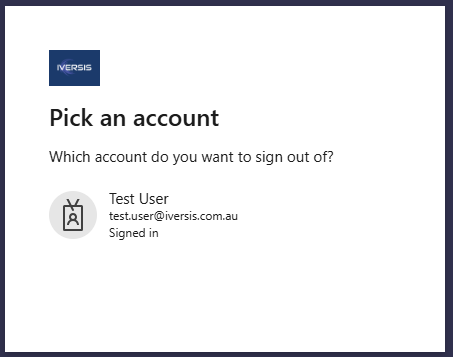
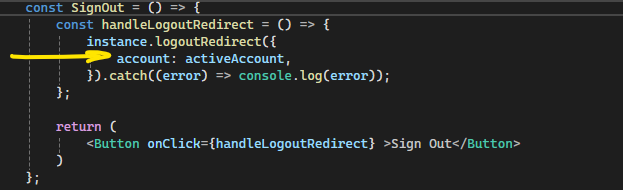
I have passed in the current active account in the logoutRedirect function but user still has to pick the account to sign out.
Then, I found this documentation that logoutHint is required to skip the account on logout.
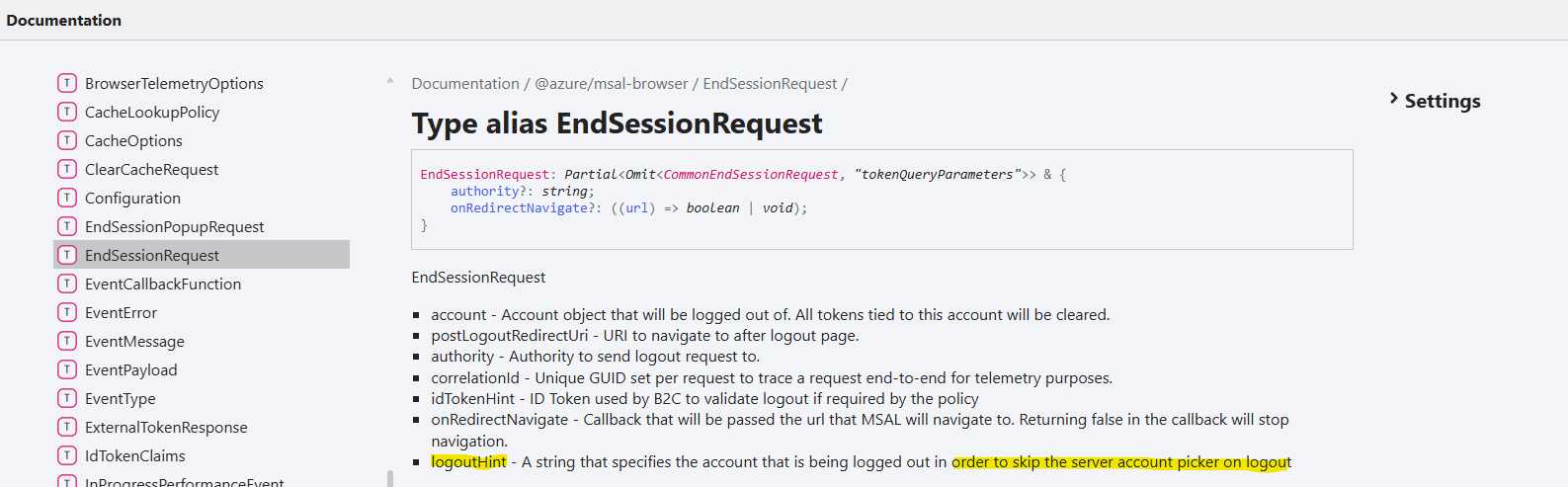
So, where do we get the logoutHint?
It is actually a configuration in Microsoft Entra admin center, referred as login_hint. Navigate to the App Registration for the front end application, then add Optional Claim 'login_hint' under Token Configuration.
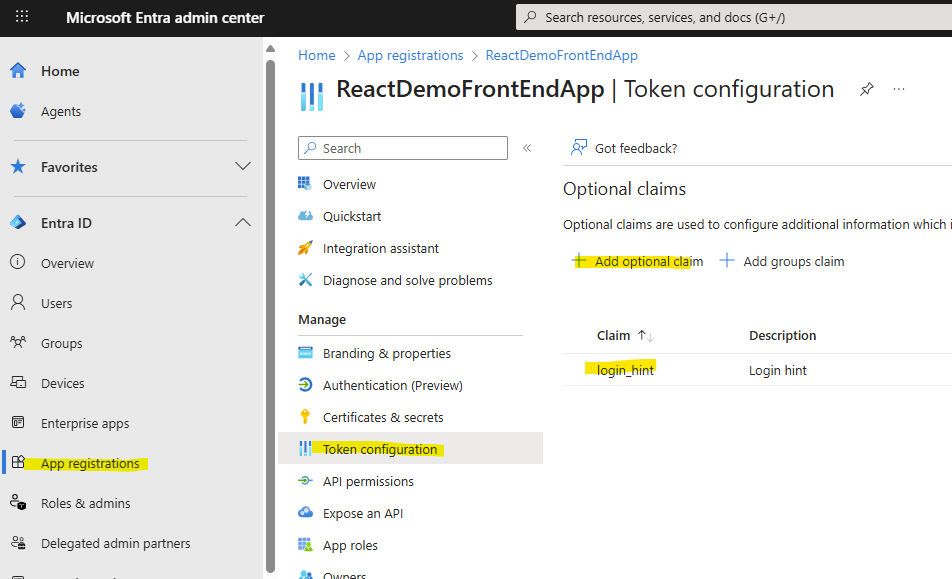
Once enabled, it takes a minute or two to take effect.
When user is logged in, you can inspect that the login_hint is then available via
activeAccount.idTokenClaims.login_hint.

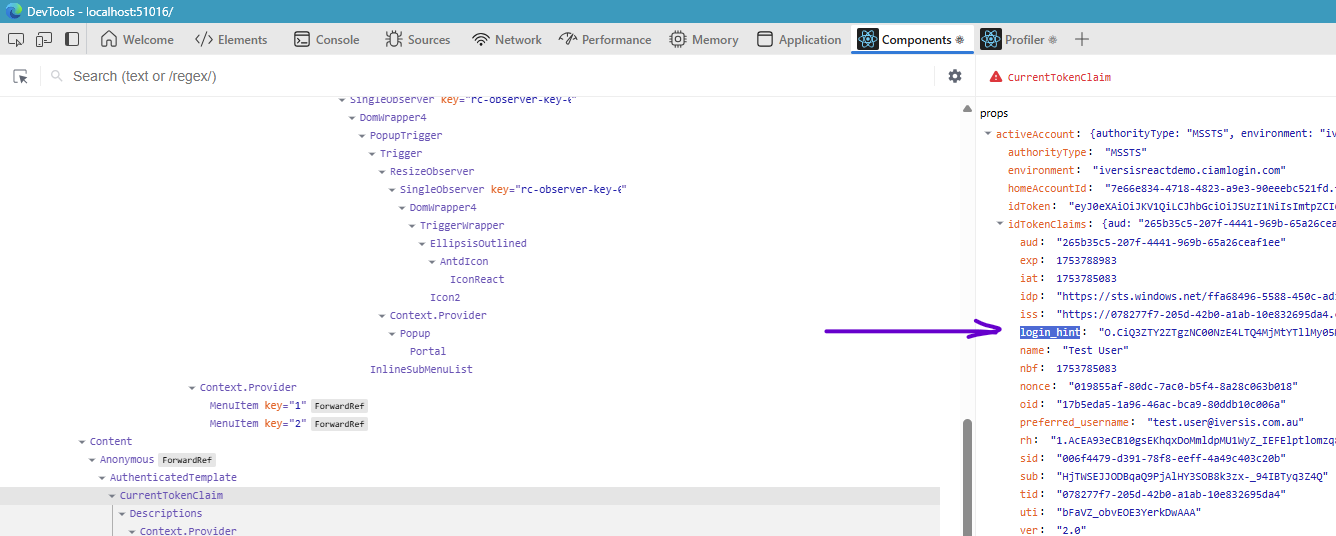
Simply passing in the activeAccount to the instance.logoutRedirect function (see screenshot above for code snippet) will now skip the account prompt when logging out.
Thats it for this blog.